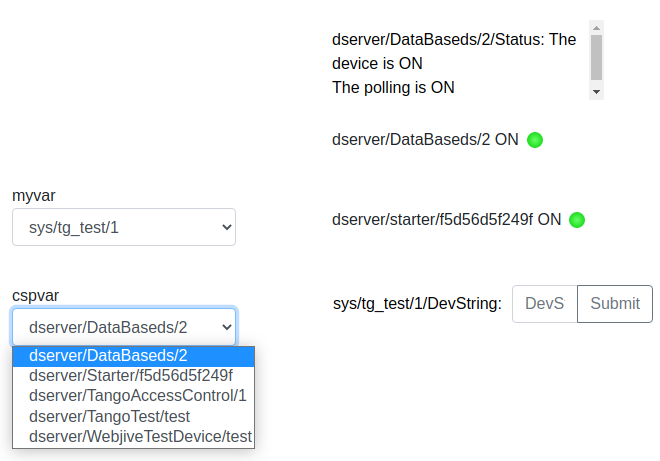
Variable Selector
The widget enables the user to use dashboard variable and change device associated with the dashboard variable in run mode.
Widget setting
The following image shows an example of a widget setting.
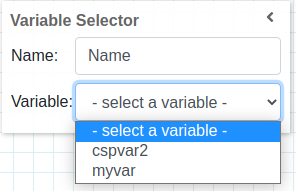
It is possible to customize the widget setting from the inspector panel(in edit mode), as below:
Input value |
Description |
|---|---|
Title |
Sets the title displayed for the widget |
Variable |
Dropdown to select dashboard variable. User would be able to change device name for this variable in run mode |
Filter |
dropdown to select dashboard filter |
When a user changes the dropdown value, newly selected device value is assigned to dashboard variable which was configured in inspector panel.
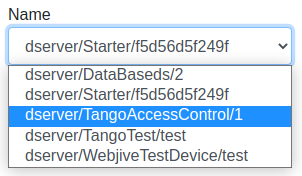
Notice: Once user changes variable’s device, this will result in change of device value for all the widgets subscribed to given variable.