Image Display
The widget displays tango images.
Widget setting
The following image shows an example of a widget setting.

It is possible to customize the widget settings from the inspector panel (in edit mode), as shown below:
Input value |
Description |
|---|---|
Device |
Type in a device name and an attribute name (or * to list all) |
Attribute Display |
Select the Label, Name, or None for the attribute |
Device Name |
Displays the device name when enabled |
Show Tango Database Name |
Displays the tango database name when enabled |
Scale |
Sets the scale for the image |
Text Color |
Specify the text color for the given widget |
Background Color |
Specify the background color for the given widget |
Text Size (in units) |
1 corresponds to 1em text size |
Font Type |
Choose a font family. Either the default or Monospaced |
Custom CSS |
Write custom CSS for the widget container. The syntax is the same as standard CSS used in HTML files |
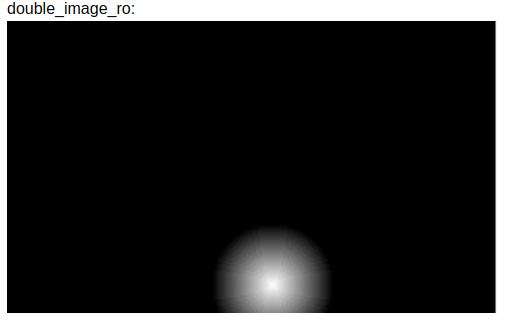
Widget in runMode